This is a draft and may be updated from time to time. Contact the author for more info.
We have a volunteer registration page. Volunteers specify the role and their camera skill. This feature is part of CiviVolunteer module and the help page can be found here.
Steps
- We create the projects that require volunteers for them to select then project upon registering.
- Otherwise, the volunteers will have an unassigned roles.
- Admin can add the volunteers to the projects under Manage Projects
Assign Volunteers to Projects
- Select/Find the project and click on the Assign Volunteers link.

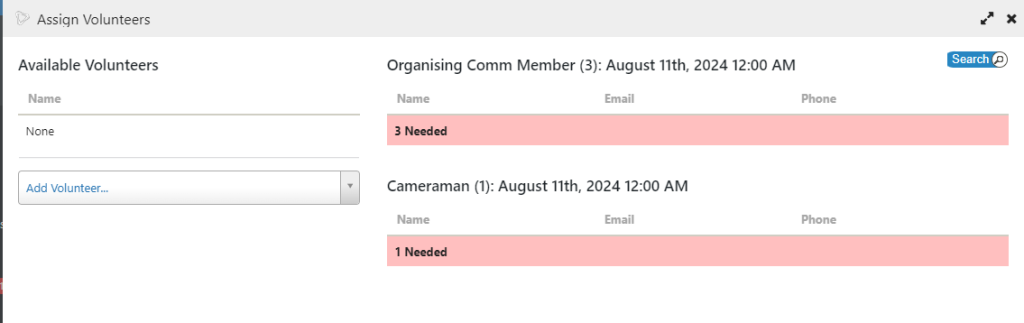
2. Choose the Project Role to assign. (Mouse over the role, search will appear as below). Click on the magnifying glass on top right of the role to search for volunteers.
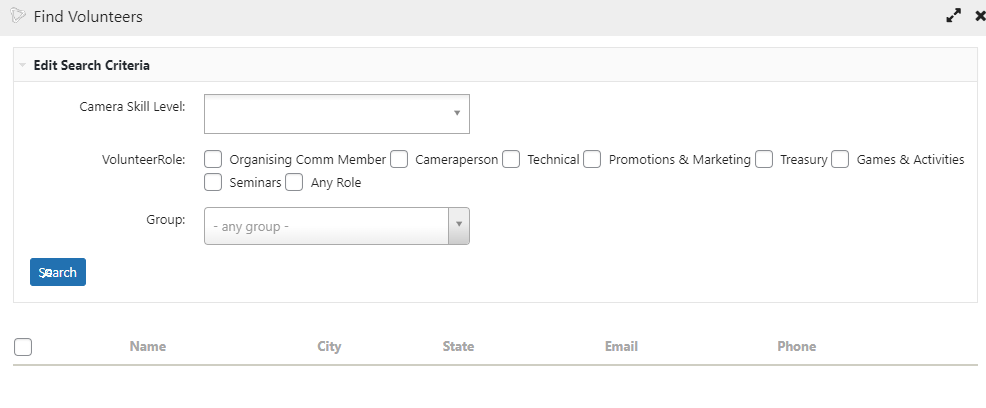
3. Enter the criteria desired and click Search
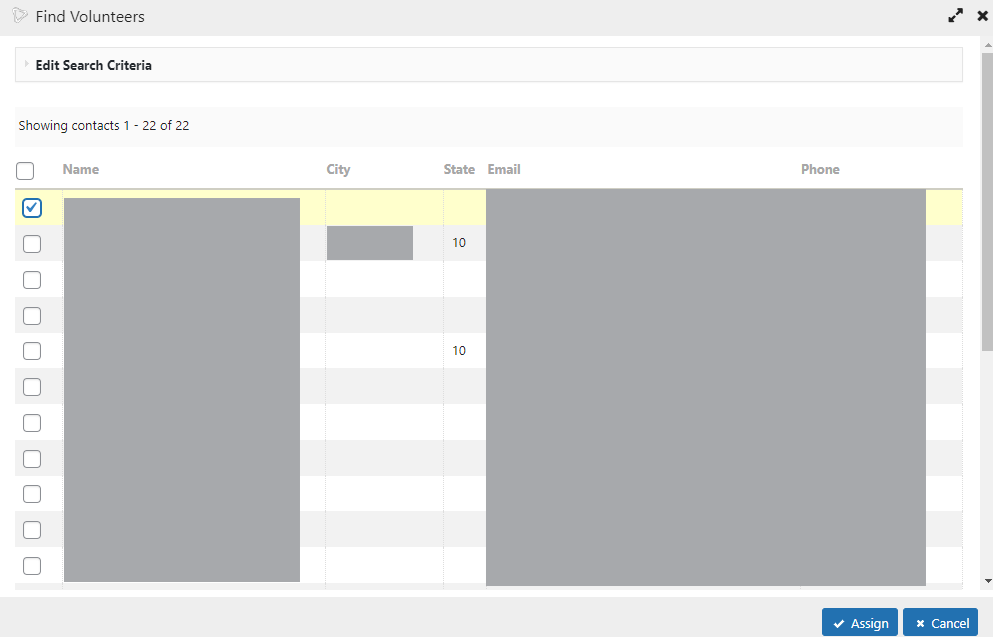
4. Select the person by checking the box, and then click on the Assign button to assign to the project.
Volunteer
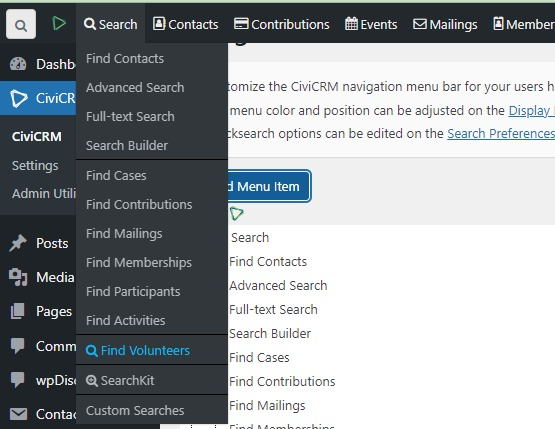
To find volunteers, under search menu below.